How do I send a private message?

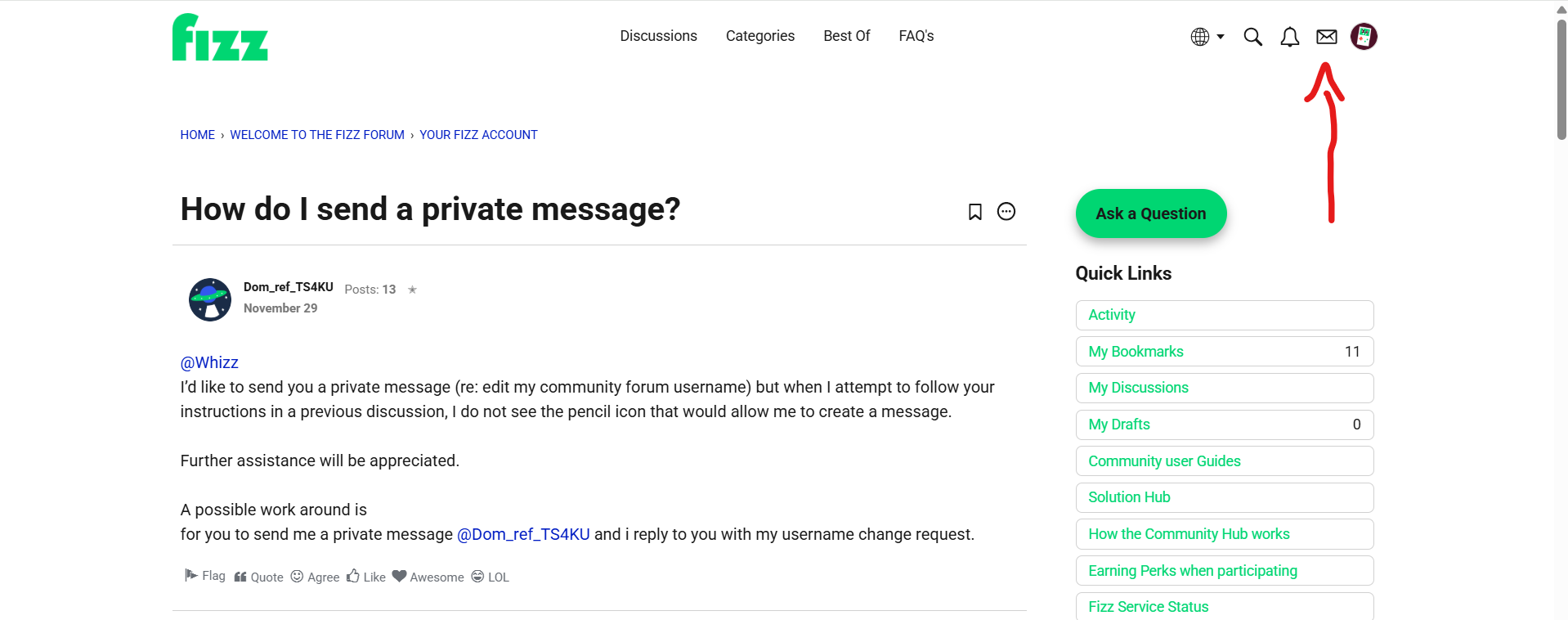
I’d like to send you a private message (re: edit my community forum username) but when I attempt to follow your instructions in a previous discussion, I do not see the pencil icon that would allow me to create a message.
Further assistance will be appreciated.
A possible work around is
for you to send me a private message @Dom_ref_TS4KU and i reply to you with my username change request.
Best Answer
-
@Dom_ref_TS4KU said:
@Whizz
I’d like to send you a private message (re: edit my community forum username) but when I attempt to follow your instructions in a previous discussion, I do not see the pencil icon that would allow me to create a message.Further assistance will be appreciated.
A possible work around is
for you to send me a private message @Dom_ref_TS4KU and i reply to you with my username change request.Hi @Dom_ref_TS4KU
On this page, click on the little envelope on the right top of the page. Then yo will see that :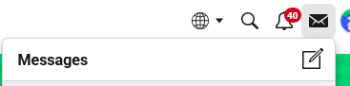
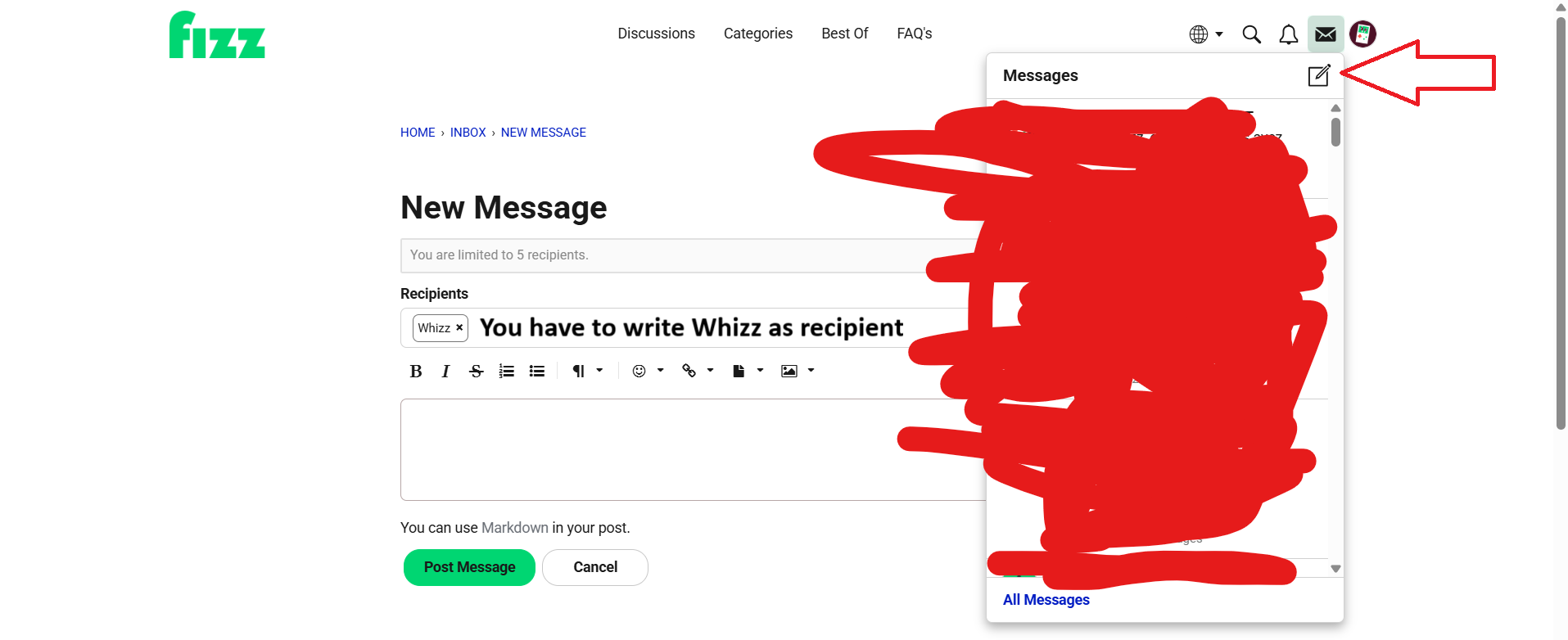
Clik on the little square with the pen and you will get that: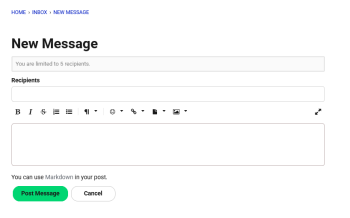
Then just tape Whizz (without @ before) or just «w» on the Recipient's line. Then choose Whizz on the list who will appears below. It will be export on the line Recipients and you can start to write your message.0

Answers
-
When you click message (top right) there an option to send one
0 -
Username can be edited by @Whizz only.
To send them a private message click on your name on the top right corner > click on the envelope > type Whizz in the recipient
0 -
This is what I see when I click on the little envelope.
No pencil to create new message.0 -
@Dom_ref_TS4KU said:
This is what I see when I click on the little envelope.No pencil to create new message.
This is weird. Maybe try to clear the cash, cookies or try in another browser or in Incognito mode.
0 -
@Dom_ref_TS4KU said:
This is what I see when I click on the little envelope.No pencil to create new message.
Clear your browser cache, try a private browsing mode, and disable your VPN if you are using one.
0 -
@Dom_ref_TS4KU said:
This is what I see when I click on the little envelope.No pencil to create new message.
I don't know what is the problem. I ask @Whizz to look it wit you
HAve a nice day0 -
You need to click on the envelope in the top right corner, then click on the pencil icon. This will take you to the New Message window.
You will need to enter the recipient's name, which is Whizz (two Zs), not Whizzz.
See images below.
Image 1: https://i.ibb.co/5xcjwj2T/1.png
Image 2: https://i.ibb.co/twfKWFMx/2.png
1